Friends
Track one-on-one expenses with a single person, send friend requests and settle up.
The Friends page is for expenses with one other person, outside any group: the lunch you paid for, the taxi you shared.
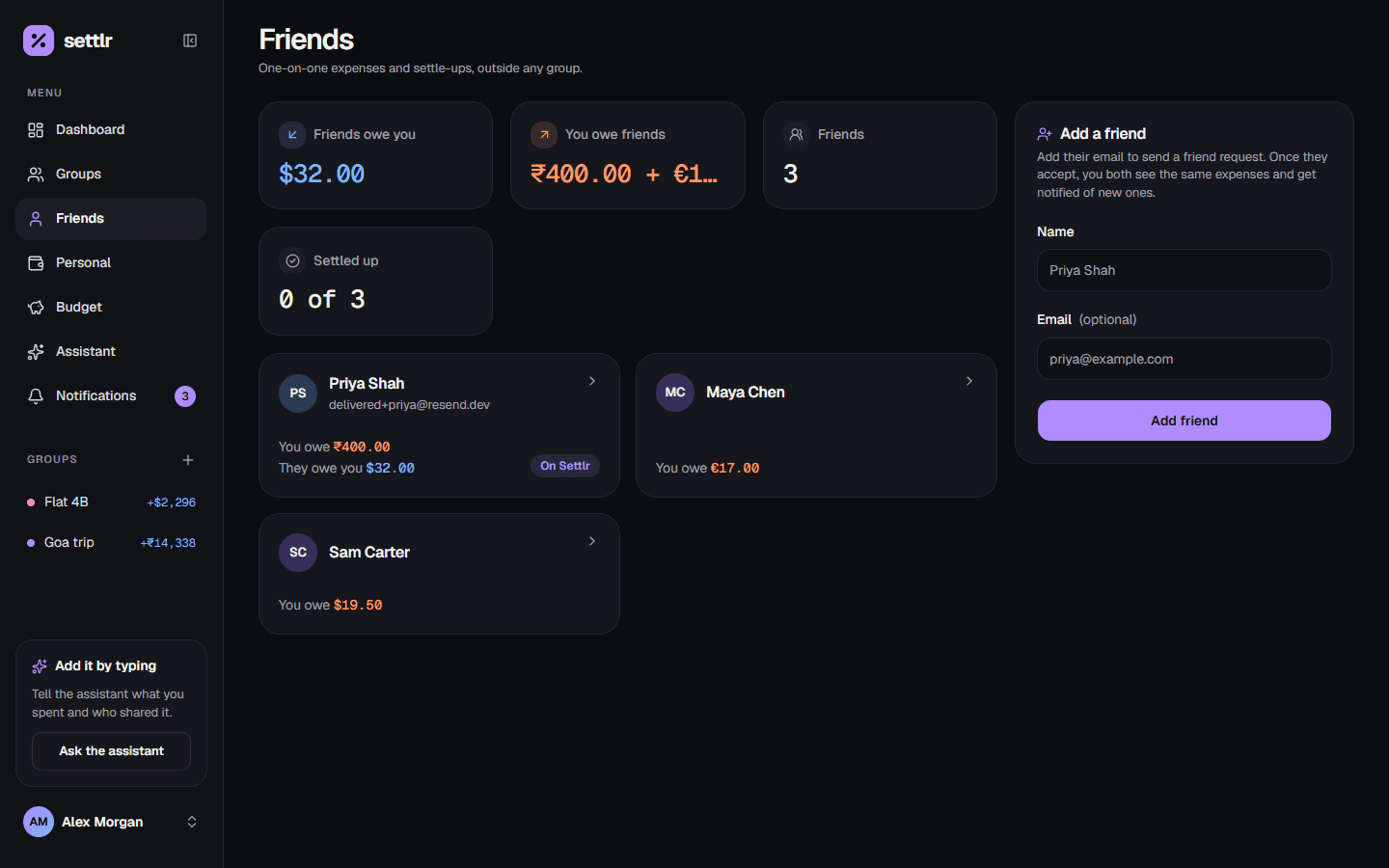
Add a friend
Choose Add friend and enter their name. A friend is just someone you track by name: they don't need a Settlr account.
If you also enter their email, Settlr sends them a friend request (see Shared ledgers below). You can add the email later and send the request from the friend's page.
You can have up to 500 friends, each with a different name and email.
Add an expense
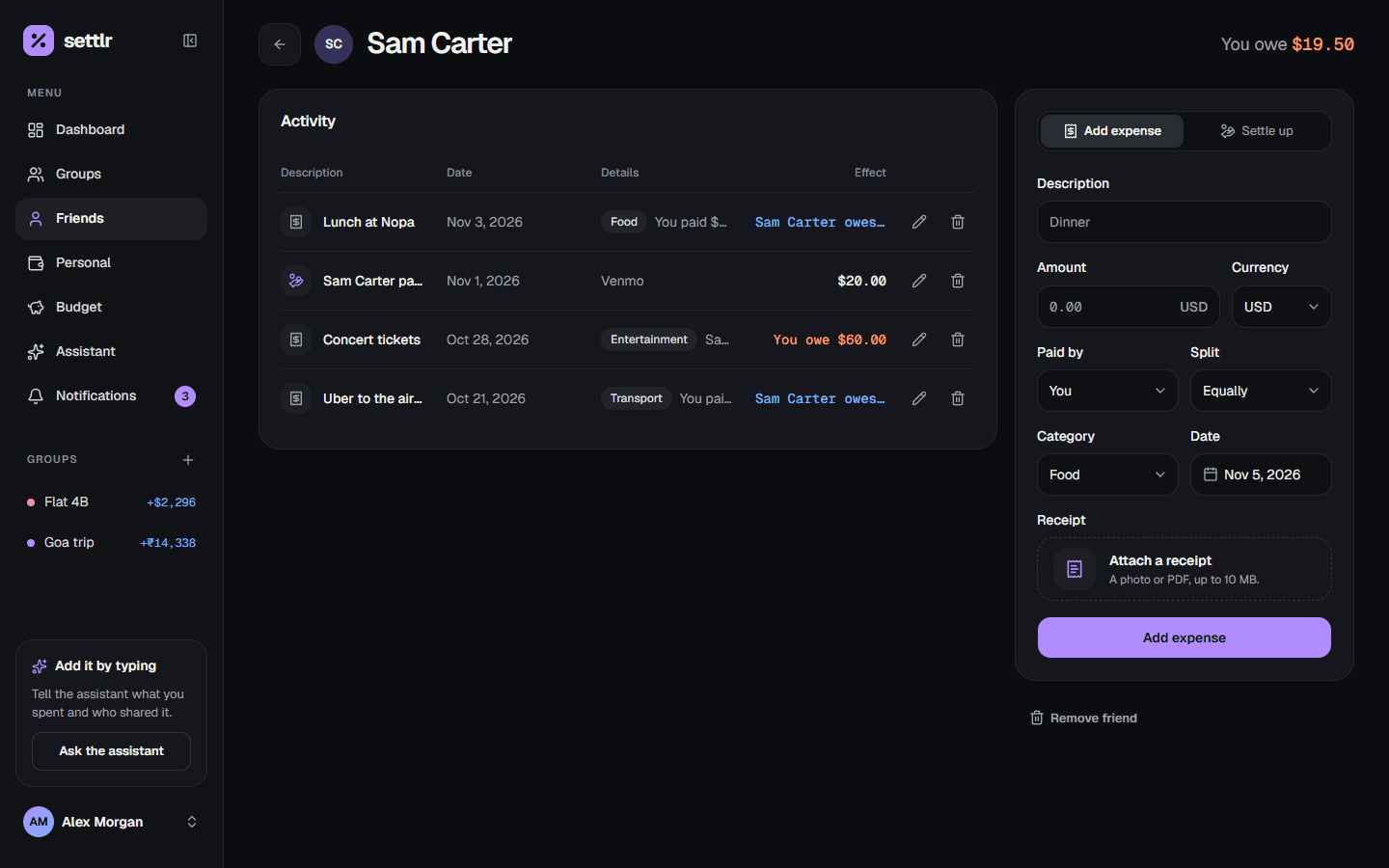
Open a friend and add an expense with a description, amount, currency, category and date. Then say:
- Who paid: you or your friend.
- How to split it:
- Split equally: each of you owes half.
- Owed in full: the person who didn't pay owes all of it. "I paid for Sam's lunch" is you paid, owed in full.
On an equal split of an odd amount, the person who paid absorbs the extra cent: 10.01 split equally means the other person owes 5.00.
Every expense can be edited or deleted later, and can carry a receipt.
Balances
Each friend shows what they owe you or what you owe them, per currency: if you share expenses in USD and EUR, you see two balances. Amounts owed to you are blue and amounts you owe are orange, always with a word or sign beside them.
Settle up
When one of you pays the other back, choose Settle up and record the payment: who handed the money over, the amount, the currency and an optional note. Payments reduce the balance; they don't count as spending.
Shared ledgers
When a friend accepts your friend request, your two ledgers are linked:
- You both see the same expenses and payments, each from your own side. If you paid and split equally, your friend sees that they owe you half.
- Anything either of you adds, edits or deletes shows up for the other, and they get a notification.
- History from before the link is copied both ways, so nothing is lost.
Requests are matched by email, so a request waits for someone who hasn't signed up yet. If they decline, you can send it again from the friend's page.
Remove a friend
Deleting a friend deletes your ledger with them. If you were linked, they keep their copy of the history, as a friend who is no longer linked.