Getting started
Sign in, find your way around Settlr and set your default currency.
Sign in
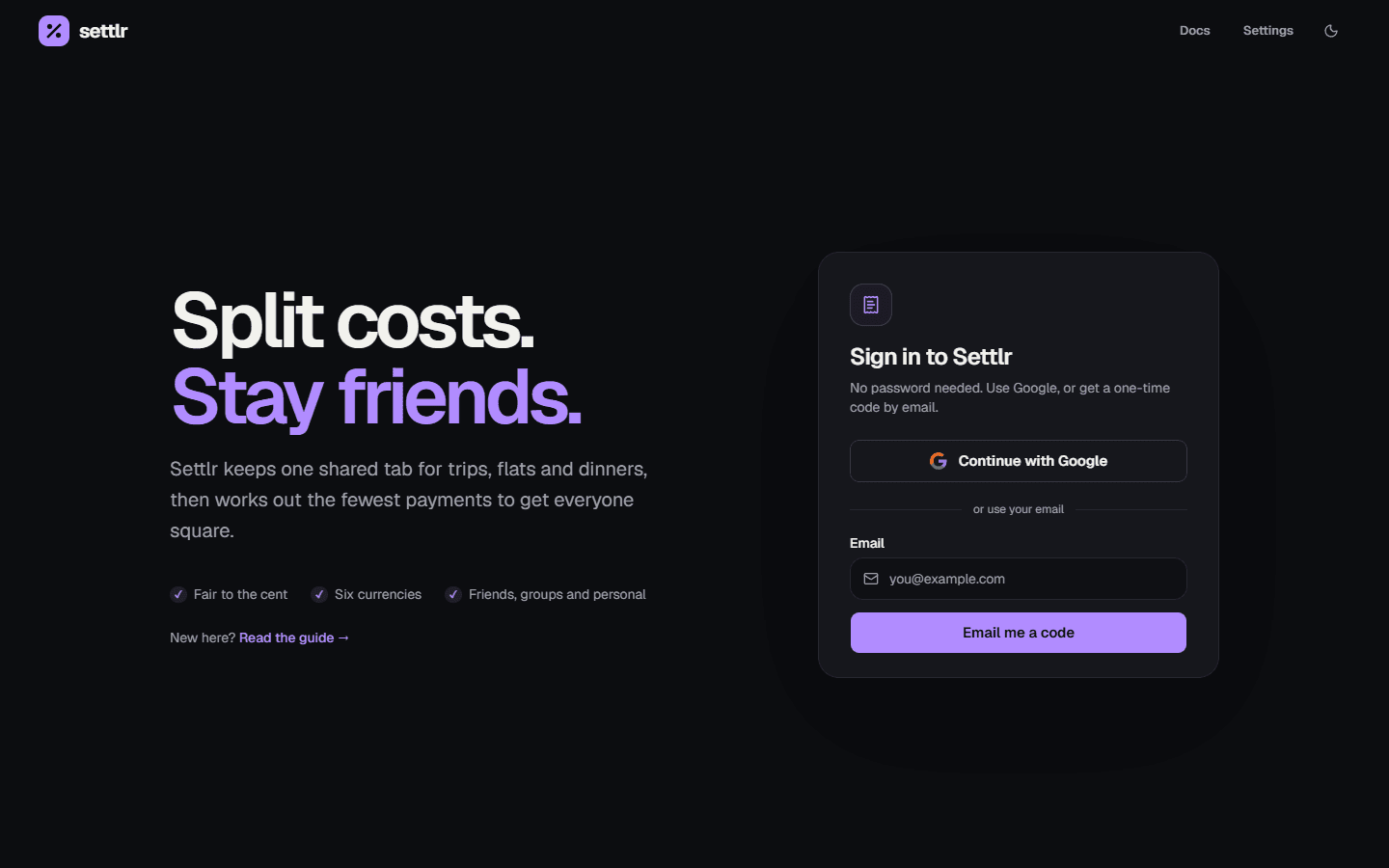
Settlr has no passwords. On the home page, either:
- Continue with Google, or
- enter your email address and type in the 6-digit code Settlr emails you. Codes expire after 5 minutes.
Signing in with Google and with an email code for the same address lands on the same account. If your account has no name yet (as when you first sign in with an email code), Settlr asks for one: it's what friends and group members see.
Find your way around
After signing in you land on the dashboard, an overview of your balances with friends, your groups and this month's spending.
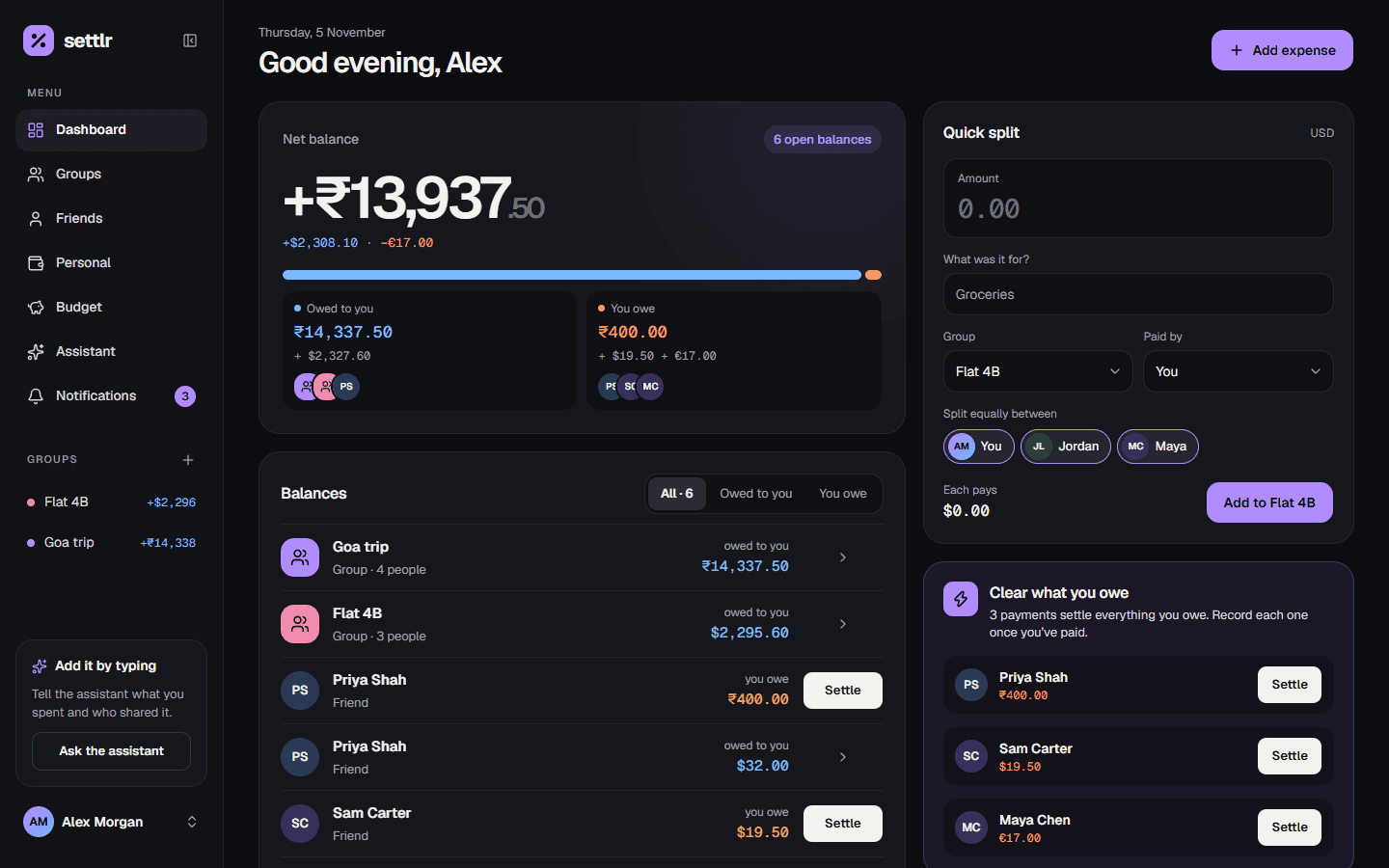
The sidebar (a tab bar on phones) has the other sections:
| Section | What it's for |
|---|---|
| Friends | One-on-one expenses and payments with a single person |
| Groups | Shared expenses with up to 20 people, and a settle-up plan |
| Personal | Your own spending, month by month |
| Budget | A monthly budget across everything you spend |
| Assistant | Add, find and change expenses by chatting |
| Notifications | Friend requests and activity from other people |
The Add expense button opens a menu: In a group, With a friend, Just for me or Ask the assistant.
Keyboard shortcut
On a wide screen, press Ctrl+B (⌘+B on a Mac) to collapse the sidebar to a rail of icons. Settlr remembers your choice.
Currencies
Settlr supports USD, EUR, GBP, INR, CAD and AUD. Every amount is kept in whole cents, so splits always add up exactly.
- Personal expenses and expenses with friends can each be in any currency. Balances with a friend are kept separately per currency.
- A group has one currency, set when you create it. It can only change while the group has no expenses.
Pick the currency new expenses start with under Settings → Defaults → Default currency. That preference is saved in your browser, so set it on each device you use.
Categories
Every expense has one of seven categories, which drive the totals on the personal, budget and group insights pages: food, groceries, transport, lodging, utilities, entertainment and other.
Appearance
Settlr opens in its dark theme. Switch to light (or back) from the account menu.