Receipts
Attach a photo or PDF of the receipt to any expense.
Every expense (personal, with a friend, or in a group) can carry one receipt.
Attach a receipt
In the add or edit form, choose a file:
- Images: JPEG, PNG, WebP or GIF
- Documents: PDF
- Size: up to 10 MB
The file uploads as soon as you pick it and is attached when you save the expense. If you upload a file and never save, it's deleted automatically a day later.
View a receipt
Expenses with a receipt show a paperclip. Clicking it opens the receipt in Settlr's viewer: images inline, PDFs in your browser's PDF viewer.
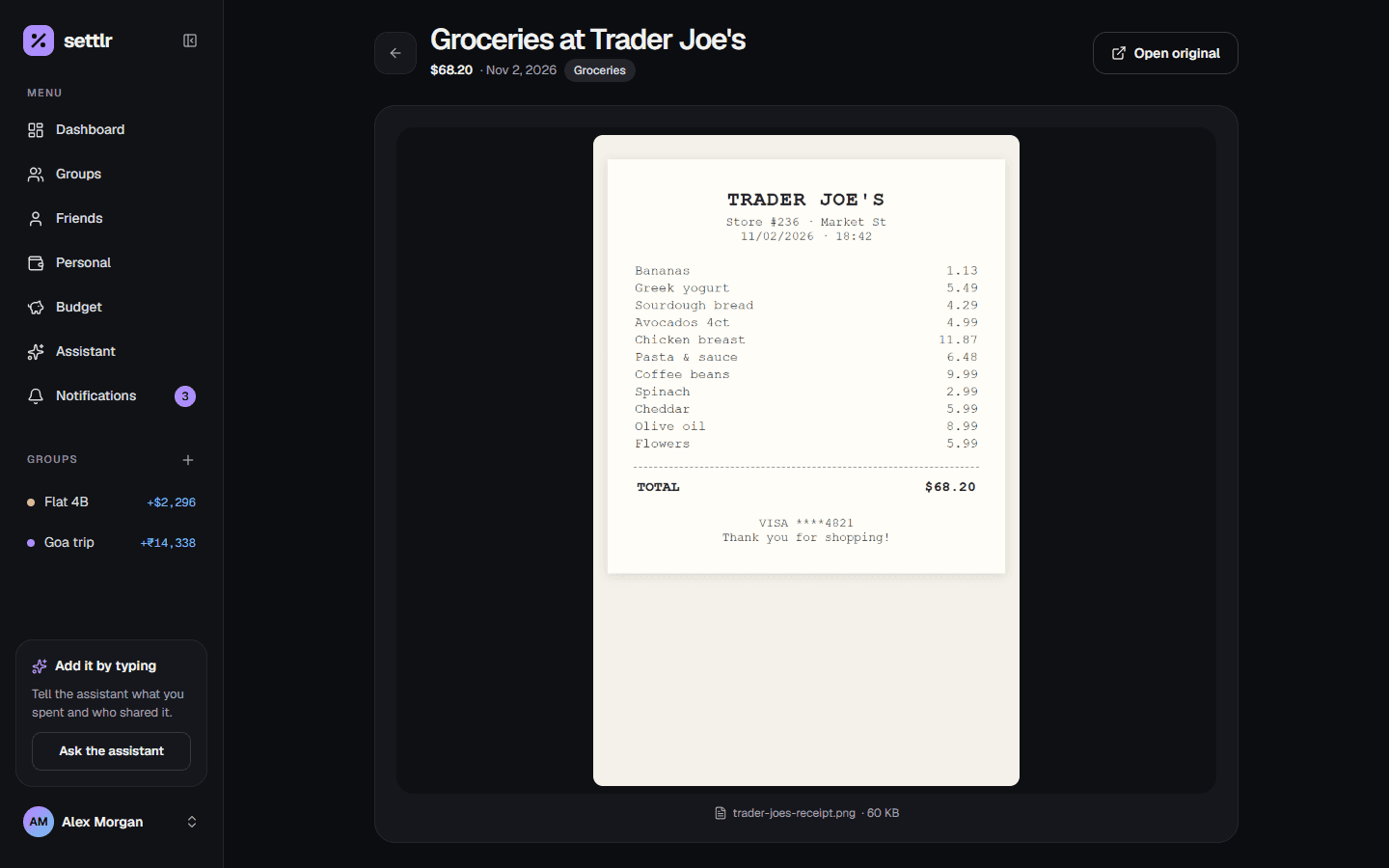
With a linked friend, you both see the same receipt. Linked group members see the receipts on group expenses.
Remove a receipt
Edit the expense and remove the file. Deleting an expense deletes its receipt too.